



When you already have the title, author, and journal information for an article there are several ways to easily locate the article using Google Scholar and the Libraries’ catalog.
Use Google Scholar to search for a citation

From Google Scholar type or paste the article title into the search box
See also: How Do I Link Google Scholar to GW Libraries?
Search the Library Catalog with an article citation
From the library homepage type or paste the title of the article in the main search box.

Click “search".
Use Citation Linker to find your article
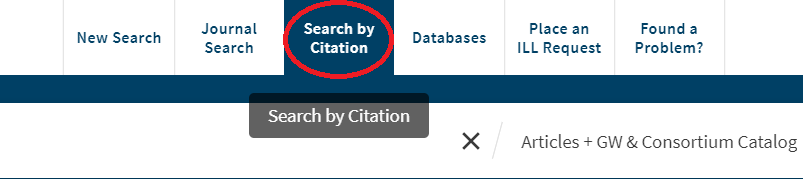
From within the Library Catalog, select “Search by Citation”
This link is found in the toolbar along the top of the page from within the library catalog. This link will take you directly to the Citation Linker tool as well.
Enter as much information as you have about the article. Most importantly the title, at least one author, the date of publication, and the title of the journal.

Click “Submit” at the bottom right of the screen. Review the results to locate your article.
