



Ten high-powered multimedia editing computer workstations (five Windows and five iMacs) are available for walk-in or reserved usage in the CREATE digital studio. These computers are optimized for video editing, audio editing, illustration, 3-D modeling, and creating interactive experiences using Unity or Unreal.
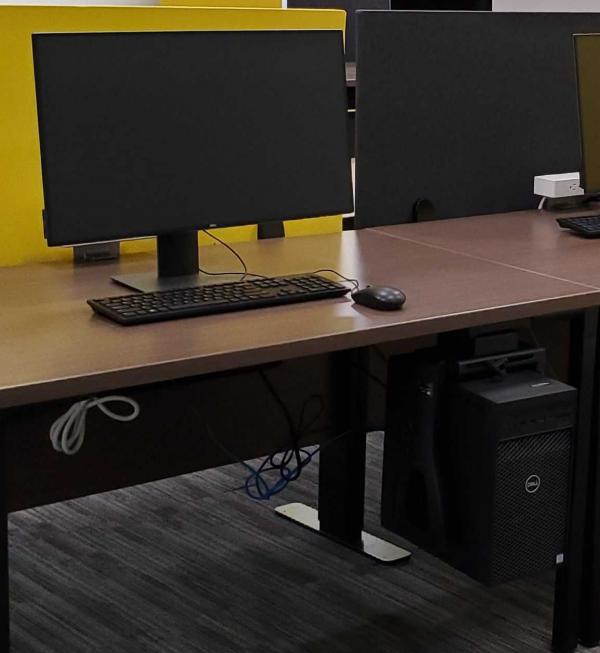
Windows machines
- Intel Core i9-9900 (8 Core, 16MB Cache, 3.1GHz, 4.9 GHz Turbo w/UHD Graphics 630)
- Nvidia GeForce RTX 2080 Super, 8GB
- 64GB 2666MHz DDR4 RAM
- M.2 2TB PCIe SSD
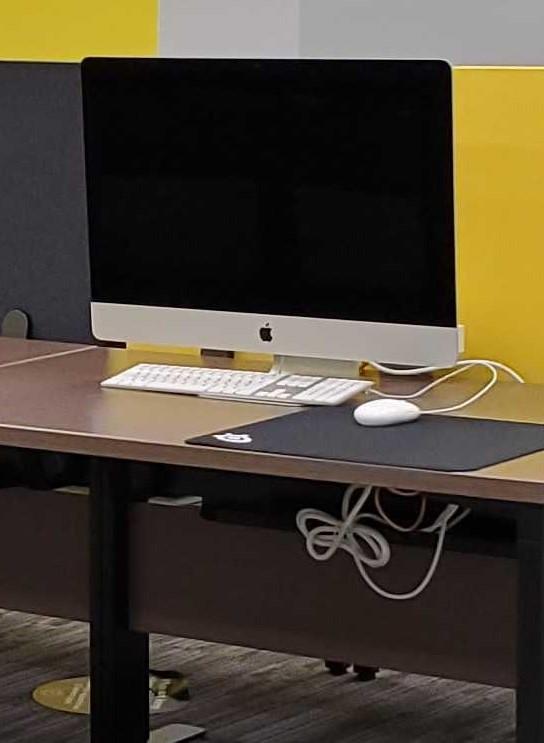
iMacs
- 27-inch iMac Retina 5k Display
- 3.6GHz 8-core i9 Processor
- 64GB 2666MHz DDR4 RAM
- 2 TB SSD storage
- Radeon Pro Vega 48 with 8GB HBM2 memory
Additional computers are available in the CREATE digital studio, but these match the specifications of other library computers.
Guidelines for Workstation Use
If you require the use of a high-powered workstation and none are available, check in with the current users and ask if they are able to move to one of the other stations. If someone asks you to move and there is a free station, please move if you are not using the machine for its multimedia capabilities, but instead are writing a paper, browsing the Internet, using Microsoft Office/Apple iWork, or streaming content for entertainment.
If you need any support in transporting your files to a new station, please visit the assistance center during staffed hours. Please do not attempt to reserve a station by leaving books at the station or leaving a handwritten note.
